A launcher built for creative control
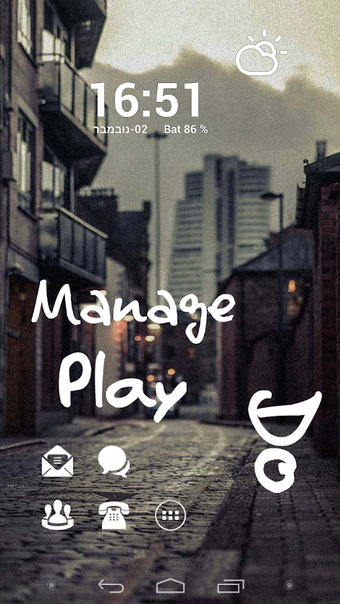
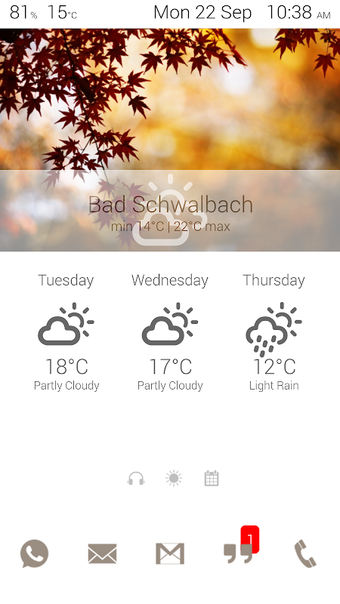
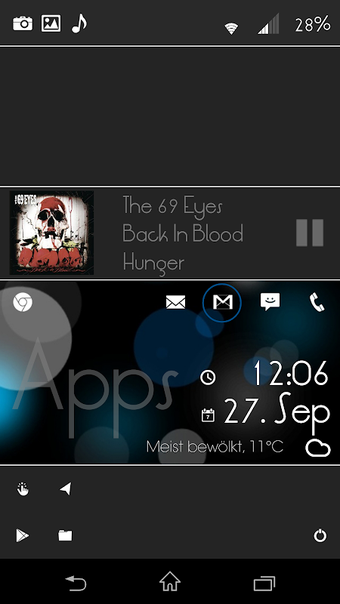
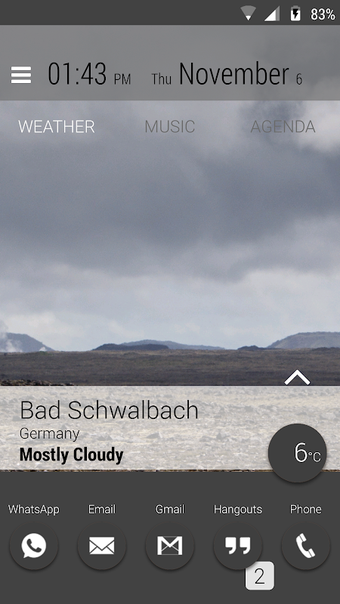
Lightning Launcher by PierroX redefines what it means to customize an Android home screen. Built for users who want total control over layout, design, and interactivity, this launcher provides a lightweight yet immensely powerful platform. Instead of offering ready-made templates, it encourages creativity through freeform arrangements, scripting options, and gesture-based controls. While newcomers may find its flexibility overwhelming at first, experienced users who enjoy tinkering will appreciate the depth and precision Lightning Launcher delivers.
Complete control and flexibility
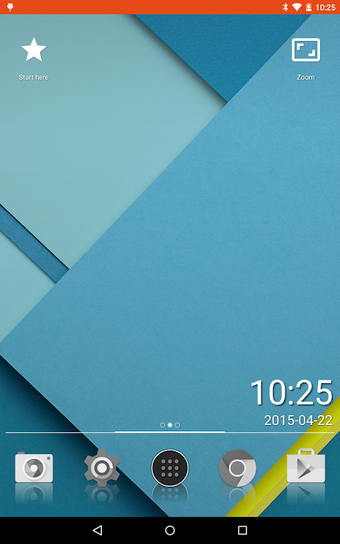
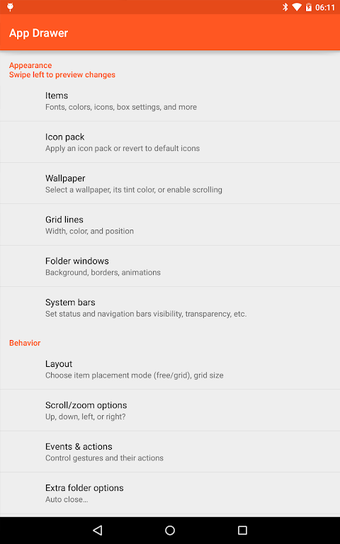
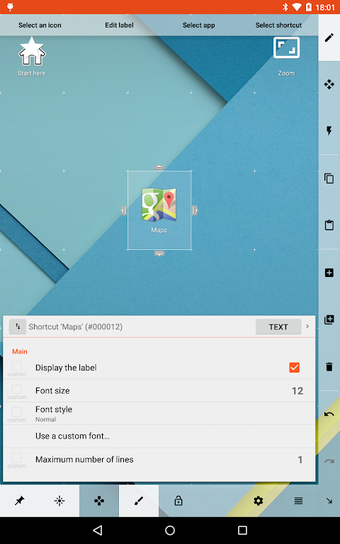
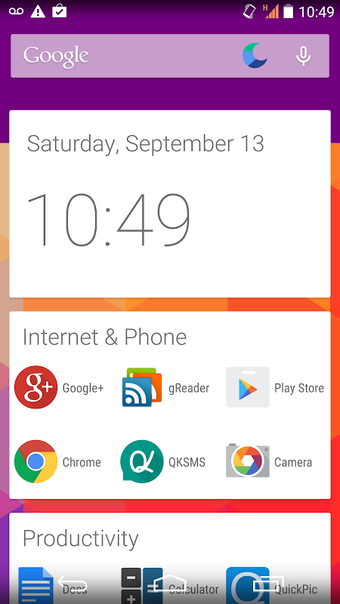
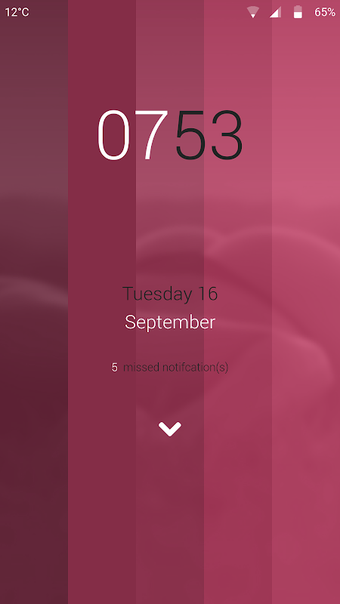
Lightning Launcher allows users to position apps and widgets freely, breaking away from the grid-bound structure of most launchers. Multiple desktops can be created and customized for different contexts, each operating as an independent workspace. It also supports advanced scripting using JavaScript, letting users automate actions or assign gestures for unique behaviors. Though not built with preloaded themes or visual presets, the app integrates well with icon packs and other customization tools, enabling detailed aesthetic personalization.
Lightweight performance with a learning curve
Despite its deep customization options, Lightning Launcher runs smoothly even on older Android devices. Its compact design and efficient memory use ensure minimal performance drag, though extensive scripting or widget-heavy setups can increase battery consumption. New users may initially struggle with its unconventional interface, as the app’s power lies in user-defined layouts rather than default templates. However, once mastered, it rewards patience with a uniquely personal and responsive home screen experience unmatched by mainstream launchers.
Final thoughts
Lightning Launcher stands out for giving users near-total creative freedom, prioritizing flexibility over simplicity. It’s not for those seeking quick setup or one-tap themes, but it’s ideal for advanced Android users who love to experiment with layouts and automation. While the interface demands time and understanding, the payoff is a launcher that feels entirely one-of-a-kind—built by and for the user’s imagination.